
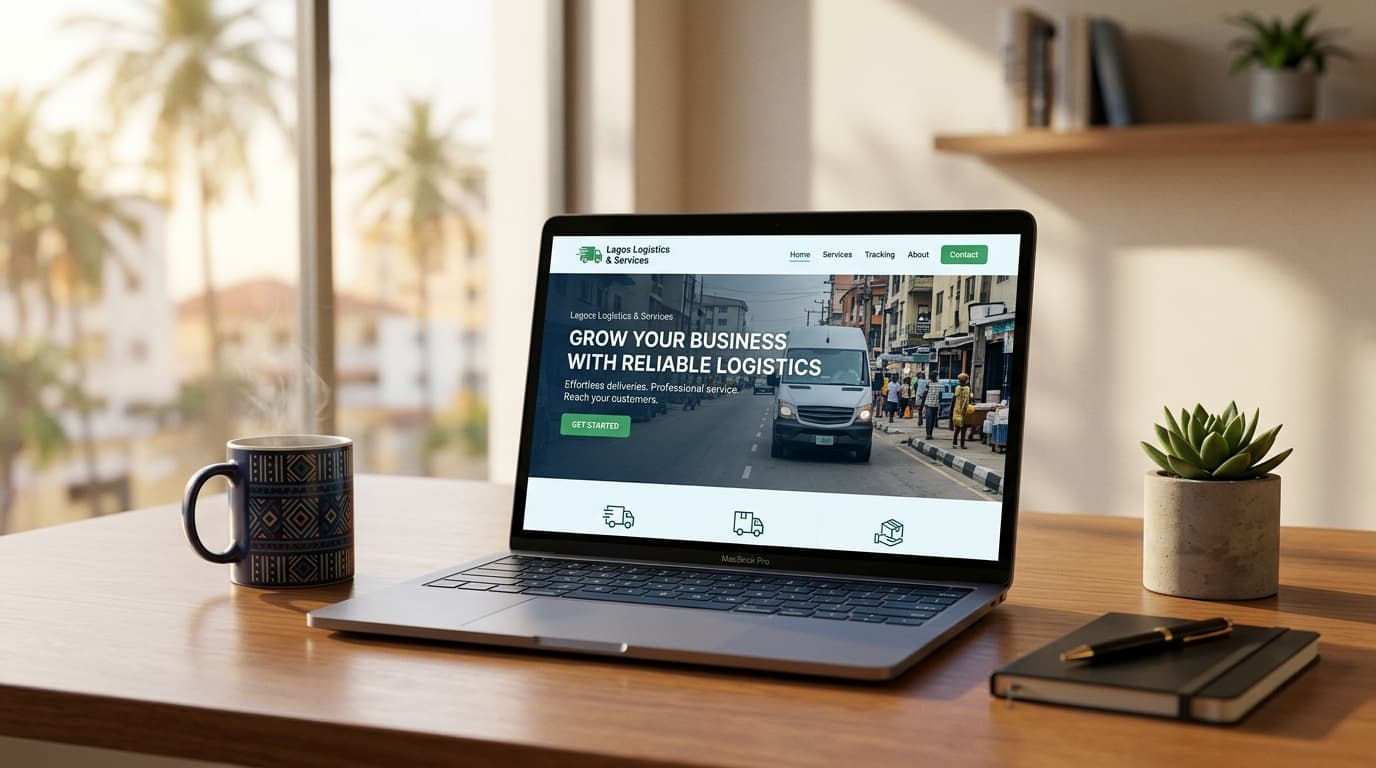
When a potential client lands on your website, they form an impression within seconds.
Research from Google suggests the human brain makes a visual judgement about a website's credibility within 50 milliseconds—before the page has even fully loaded in their perception, certainly before they've read your headline.
That impression is based entirely on visual signals: the layout, the spacing, the colours, the quality of the images, whether things line up, how fast the page loads, and whether it looks like it was built in 2015 or 2024.
These signals communicate something before your words have a chance to. And what they communicate can either support your credibility or quietly undermine it.
The Trust Signals Visitors Process Before Reading
1. Visual coherence
Coherent design signals that someone who cares about their work built the product. Inconsistencies: different fonts from page to page, mismatched colours, and a logo quality that varies between pages signal something less professional, even if every element is individually fine.
Prospects interpret visual coherence as an analogue for how a business operates. If a brand fails to maintain consistency across its website, it raises the question: are they equally inconsistent in their work?
This isn't fair. But it is how human perception works.

What to check:
Are fonts consistent? (Ideally two: one for headings, one for body text)
Is the colour palette coherent and used consistently?
Does your logo look the same quality everywhere it appears?
Are images treated consistently – same cropping style, similar quality level?
2. Page speed
Every second of load time has a documented effect on bounce rate — the percentage of visitors who leave before the page finishes loading.
The data is stark: a page that takes 3 seconds to load loses approximately 40% of visitors. At 5 seconds, the drop is even steeper. In Nigeria, where many users are on mobile data with variable connection speeds, this statistic is especially important.
Slow pages also rank lower in Google search results, compounding the problem: you're invisible to some searchers and losing others before they can read a word.

What to check:
Run your website through Google PageSpeed Insights (free tool; Google it)
Large, uncompressed images are the most common cause of slow load times
Cheap, overloaded hosting is the second most common cause
3. Mobile experience
In Nigeria, the majority of internet browsing happens on mobile phones. If your website isn't properly optimised for mobile devices—with text that's too small, buttons that are difficult to tap, and content that requires horizontal scrolling—you're creating a negative experience for most of your potential visitors.
This doesn't just affect their willingness to stay. It affects their perception of your business. A website that doesn't work properly on a phone communicates neglect.

What to check:
Pull up your own website on your phone (not tablet — phone)
Navigate through your main pages as if you were a prospect
Try filling in your contact form
Try tapping your navigation links
Be honest about what you find.
4. Image quality
Low-resolution images, stock photos that look obviously generic, or photos clearly taken on a basic phone in poor lighting — all of these reduce the perceived quality of your business.
This doesn't mean you need a professional photoshoot for everything. It means you should be intentional about the visual standard of what you publish. A real photo of your workspace, your product, or your team—even one taken on a modern smartphone in excellent light— often outperforms a generic stock image that looks like it belongs to anyone.

What to check:
Are images sharp and well-lit?
Do the photos feel like they're actually from your business, or do they feel borrowed?
Are any images stretched, pixelated, or poorly cropped?
5. SSL certificate and security signals
The small padlock icon in the browser address bar indicates a secure connection (HTTPS). Without it, some browsers display an active warning to visitors: "This site may not be safe."
Many small business websites — particularly older ones built on budget hosting — are still running on HTTP rather than HTTPS. This is a trust signal problem with a straightforward technical fix.
What to check:
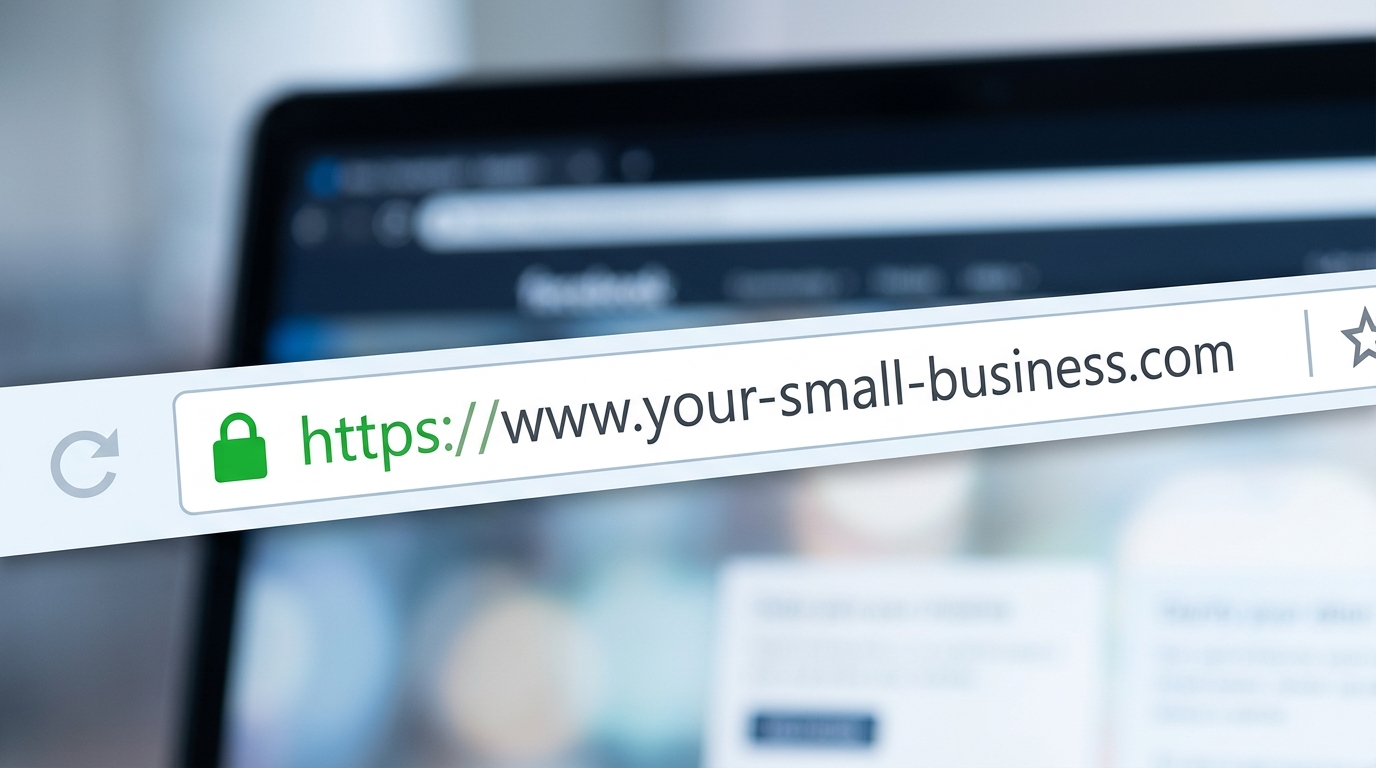
Does your domain start with
https://orhttp://?If it is
http://, contact your hosting provider — SSL certificates are typically free or low-cost
The Signals in Your Copy, Too
Even before prospects read your full website copy, certain text elements communicate credibility quickly.
A clear headline on the homepage. Can a visitor tell within five seconds what you do and who you serve? If not, the cognitive effort of figuring it out drives most of them away.
Social proof above the fold. A client count, several years in business, or a brief testimonial near the top of the page signals that others have trusted you.
A specific call to action. "Book a free call" or "Get a quote" is more credible than "Learn more". Specific actions suggest a business with a clear process.
Conducting Your Own Trust Audit
Here's a simple self-audit you can do in thirty minutes:
1. Open your website in an incognito/private browser window (so you see it without cookies or logins).
2. Time: how long does it take to load?
3. Ask yourself: within 5 seconds, can I tell what this business does and who it's for?
4. Navigate to your contact page — try filling in the form on mobile.
5. Look at every image — would you be proud to show these in a pitch?
6. Check the browser bar for the padlock (HTTPS).
7. Read your homepage headline as if you've never heard of your business before.
Where you wince, you've found your priorities.

Conclusion
Your website has been forming opinions before your words get a chance to. The visual signals — speed, coherence, mobile experience, and image quality — are communicating your credibility dozens of times a day to every visitor who lands on your site.
The good news is that most of these are fixable. Some take an afternoon. Some require a rebuild. All of them matter.
Request a free website credibility report from our team—we'll assess your site against the trust signals that affect conversions and provide you a prioritised list of things to fix first.